Wireless CarPlay & Android Auto: 3 Proven Ways to Instantly Upgrade Any Old Car
Personal Experience
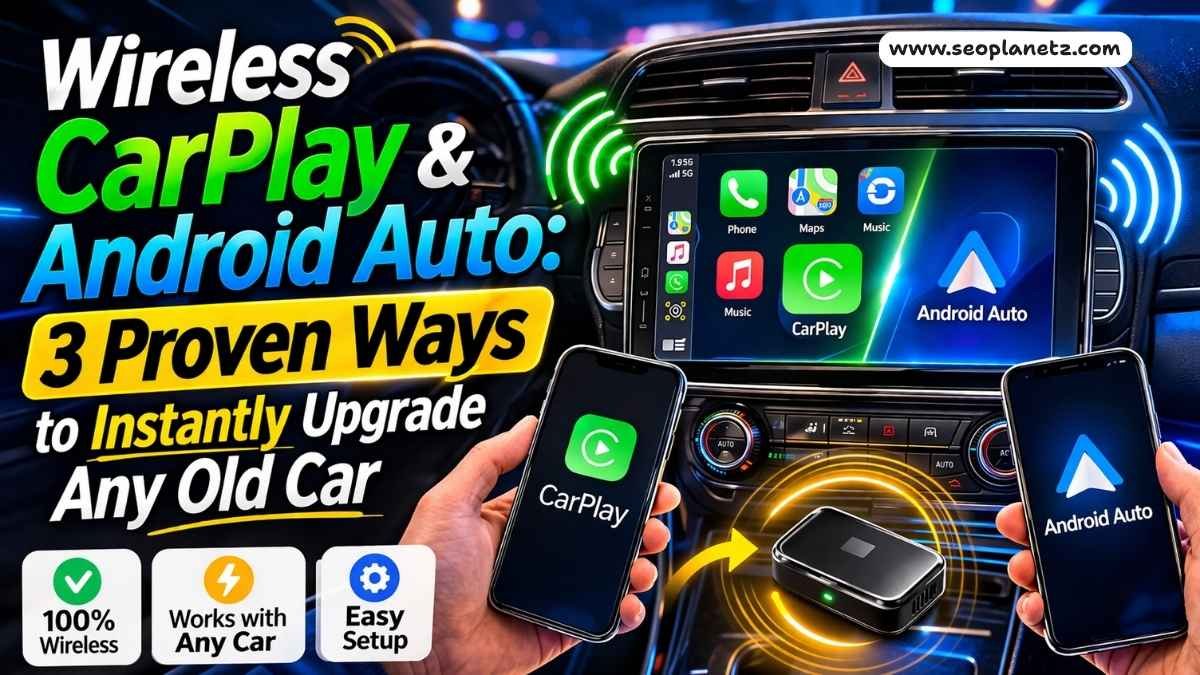
Wireless CarPlay Android Auto can transform any old car — and most people have no idea how cheap and easy it actually is.
My brother-in-law drives a 2017 Honda Civic. Solid car, never gives him trouble. But every morning, same routine: phone cable tangled in his jacket, drops between the seat and console, thirty seconds of fishing it out while we're already supposed to be leaving.
I told him he could go completely wireless for under $40. He didn't believe me. Twenty minutes later — Spotify streaming, Google Maps running, zero cables in sight.
That's what this guide is about. Whether you drive a 2014 Toyota RAV4, a 2018 Ford F-150, or something older with no screen at all — there's a proven solution for you. And it's simpler and cheaper than you think.
First, Identify Your Car Type
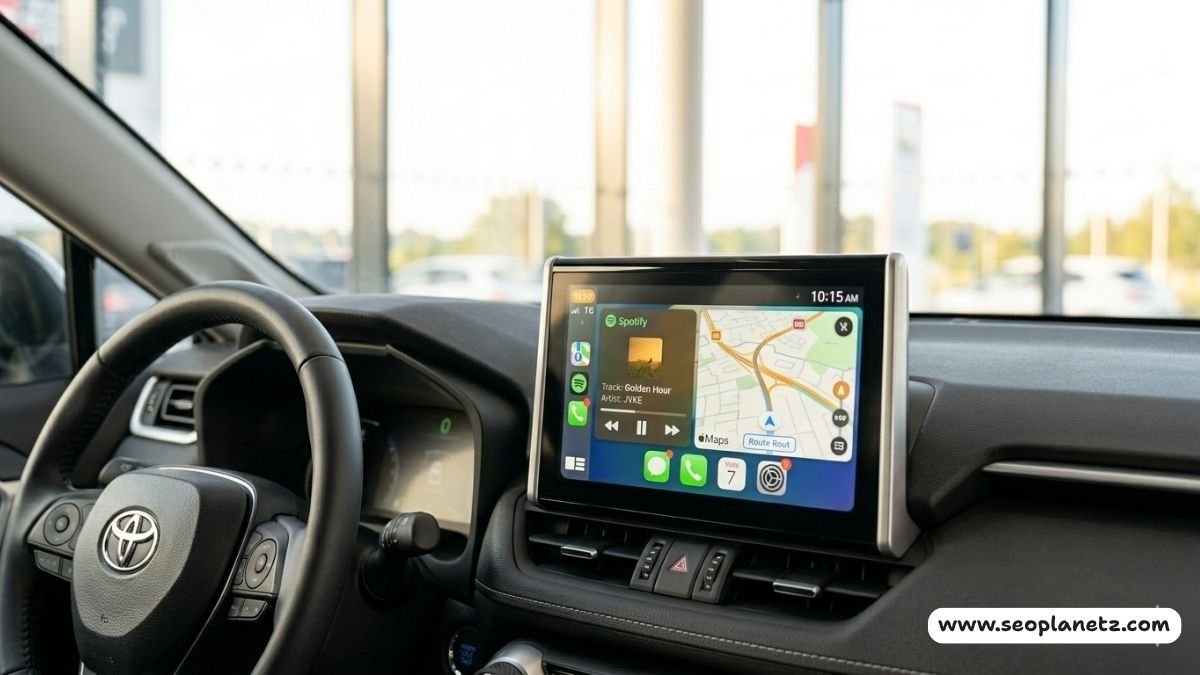
Before spending a single dollar, run this one test: grab your USB cable, plug your phone into your car's USB port, and watch what happens on the screen.
The 3 Car Types — Find Yours in 30 Seconds
| Car Type | What Happens When You Plug In | Example Years | Cost to Go Wireless |
|---|---|---|---|
| Type 1 | CarPlay or Android Auto launches on screen | 2015–2022 most models | $35–80 |
| Type 2 | Audio plays but no CarPlay/Android Auto screen | 2010–2018 most models | $150–280 |
| Type 3 | No USB port or completely basic stereo | Pre-2010 most models | $150–500 |
This single test tells you everything. Type 1 is the easiest and cheapest. Type 3 requires the most work but is still very doable.
Method 1 — Wireless Adapter Dongle (Type 1 Cars)
What It Does
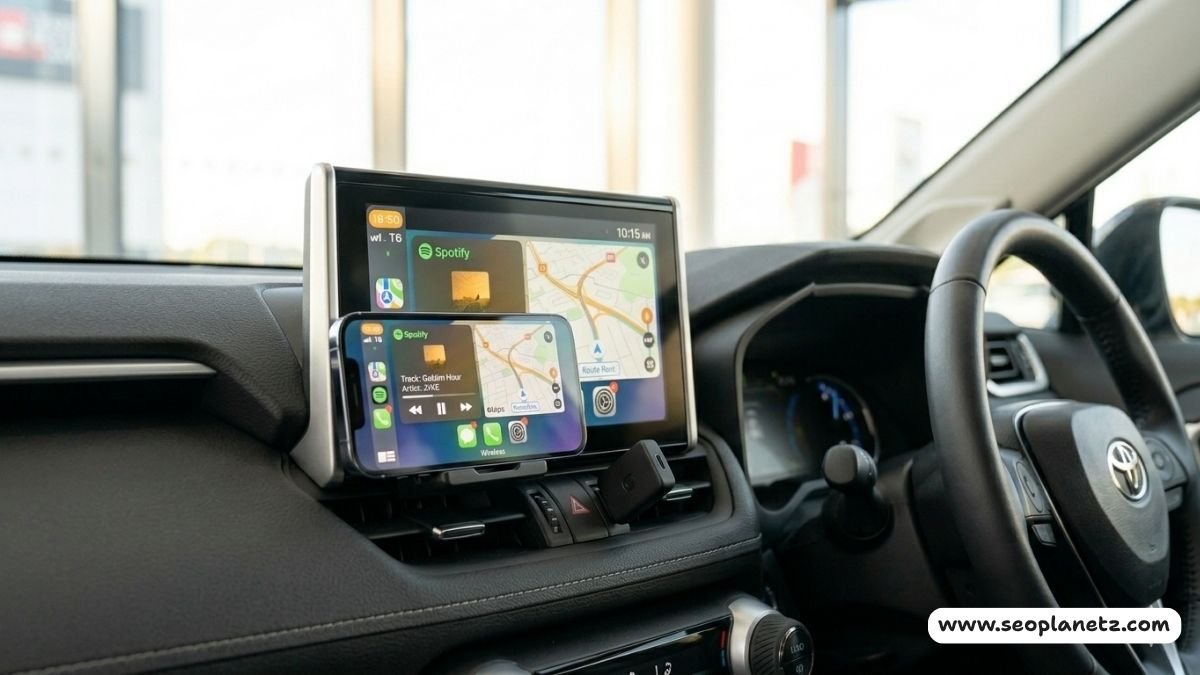
A wireless adapter is the fastest upgrade you'll ever make to your car. It's a small device — roughly the size of a USB thumb drive — that plugs into your car's existing USB port. You pair it once with your phone via Bluetooth. After that, every time you start the car, your phone connects automatically. No cable. No routine. Just get in and drive.
According to Apple's official CarPlay page, CarPlay requires an iPhone 5 or later. For Android Auto, Google's official Android Auto page confirms phones running Android 11 and above work natively — no separate app needed.
Best Wireless CarPlay & Android Auto Adapters in 2026
| Product | Price | CarPlay | Android Auto | USB Type | Verdict |
|---|---|---|---|---|---|
| CarlinKit Mini Ultra 3 | ~$55 | ✅ | ✅ | USB-A | Best Overall 2026 |
| AAWireless TWO+ | ~$65 | ✅ | ✅ | USB-A | Best for mixed iPhone/Android homes |
| Ottocast Mini Pico | ~$60 | ✅ | ✅ | USB-A | Best build quality, zinc-alloy shell |
| Ottocast Mini | ~$35 | ✅ | ✅ | USB-A | Best budget pick |
| Carlinkit 4.0 | ~$60 | ✅ | ✅ | USB-A | Best for CarPlay-only cars wanting Android Auto |
| AAWireless (original) | ~$45 | ❌ | ✅ | USB-A | Android Auto purists only |
The CarlinKit Mini Ultra 3 is the top-tested adapter of 2026 — fastest Bluetooth pairing, Gen 6 Wi-Fi chipset, strong real-world stability, and metal casing for durability. The AAWireless TWO+ is the best choice for households where some family members use iPhones and others use Android phones — it handles both seamlessly.
Also Read: Why Is My Car Smoking? 7 Common Causes and How to Fix ThemStep-by-Step Setup (Under 5 Minutes)
Step 1 — Plug the adapter into your car's CarPlay/Android Auto USB port — same one you use for wired connection.
Step 2 — Start your car and wait 10–15 seconds for the adapter to power up.
Step 3 — Open Bluetooth on your phone and pair with the adapter when it appears.
Step 4 — Approve permissions (contacts, notifications, microphone) on your phone.
Step 5 — CarPlay or Android Auto launches automatically on your screen.
From the next drive onwards — your phone connects the moment you start the car. Zero effort required.
3 Pro Tips for Best Performance
Tip 1: Use 5GHz Wi-Fi band if your adapter supports it — significantly faster response, less lag on maps and music.
Tip 2: If you experience any dropouts after a major iOS or Android update, re-pair the adapter once — this fixes 90% of issues permanently.
Tip 3: Keep the adapter plugged directly into the USB port without a long extension cable — longer cables add signal noise and reduce speed.
Method 2 — Standalone Wireless CarPlay Screen (Type 2 Cars)
What It Does
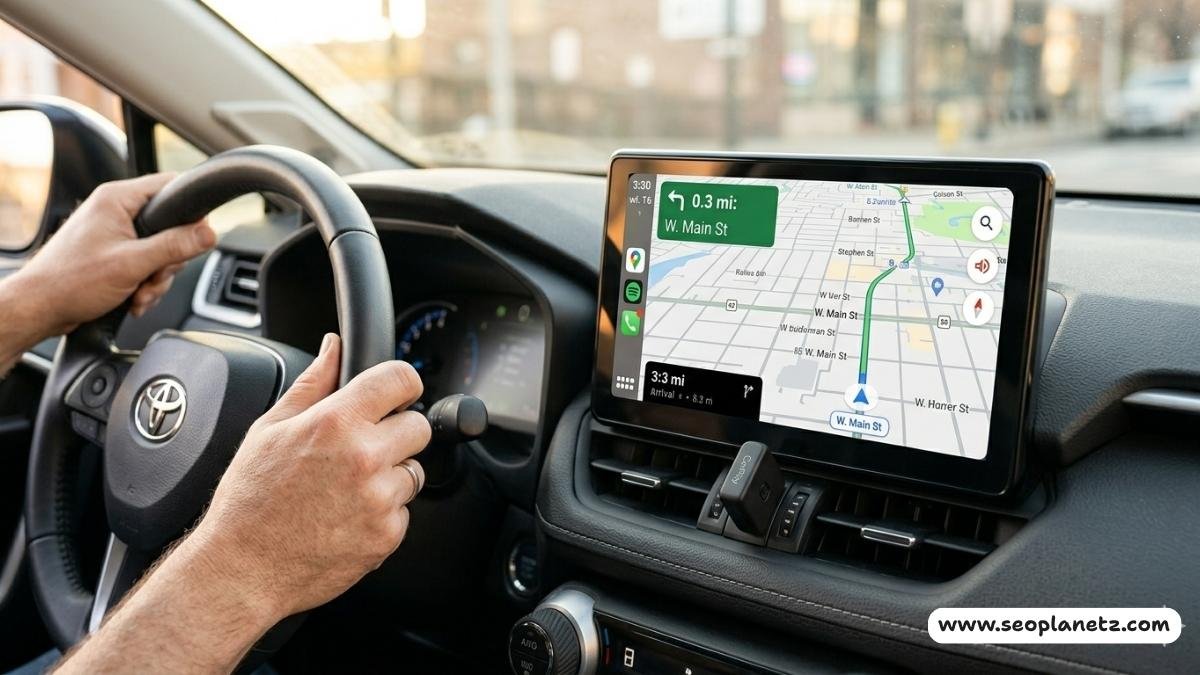
If your car has Bluetooth but no built-in CarPlay or Android Auto support, a standalone wireless display is your best option. These are self-contained touchscreens that mount on your dashboard and connect to your phone entirely wirelessly. No drilling, no rewiring your car's existing system — mount it, connect it, go.
The most popular option in this category is the CarPodGo T3 Pro (~$230). Its ultra-widescreen shape sits naturally on dashboards without looking out of place, and the kit includes a 12V USB adapter and all necessary cables. If your car already has Bluetooth audio, setup takes under 20 minutes. If not, a small Bluetooth adapter in the Pro kit plugs into your stereo's 3.5mm input.
Also Read: How to Jump a Car Safely and Correctly in 2026Standalone CarPlay Screen Comparison
| Product | Price | Screen Size | Wireless CarPlay | Wireless Android Auto | GPS Built-in |
|---|---|---|---|---|---|
| CarPodGo T3 Pro | ~$230 | 7.5" widescreen | ✅ | ✅ | ✅ |
| Carpuride W903 | ~$180 | 9" | ✅ | ✅ | ✅ |
| ATOTO S8 Ultra | ~$350 | 10" | ✅ | ✅ | ✅ |
| Carlinkit TBox Ultra | ~$199 | Uses car screen | ✅ | ✅ | N/A |
Installation: What to Expect
Three things: choose a mounting position, run a power cable to your 12V/cigarette lighter port, and pair your phone once via Bluetooth. No professional help needed. Most people finish in 20–30 minutes.
The only real decision is placement. Windshield suction mount keeps it in your eyeline but can obstruct your view slightly. Dashboard adhesive pad feels more factory-integrated but is harder to remove later. I personally prefer the dashboard mount — after a week, you genuinely forget it wasn't there from the factory.
Method 3 — Full Head Unit Replacement (Type 3 Cars)
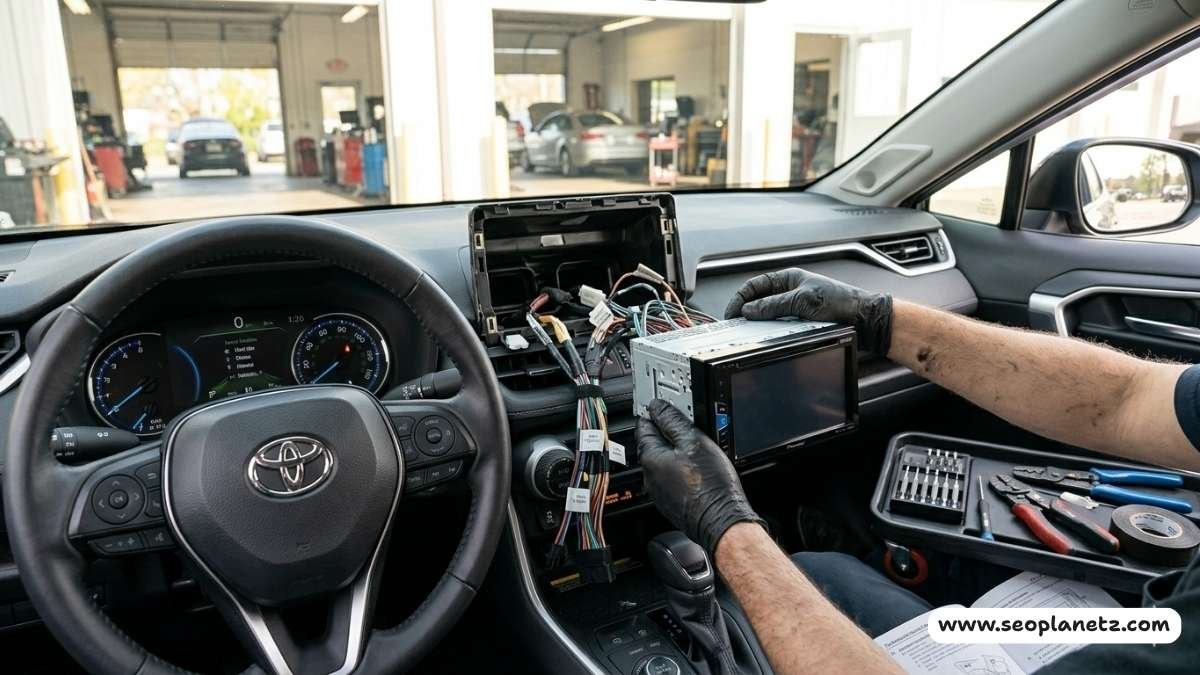
What It Does
For older cars with no screen whatsoever, replacing the head unit gives you the most complete and cleanest upgrade. A new head unit integrates directly into your dashboard, uses your existing speakers, and usually preserves your factory steering wheel controls. The result looks and feels factory-installed — not an afterthought.
Brands like Pioneer, Alpine, Kenwood, and Sony offer units with full wireless CarPlay and Android Auto support. Entry-level models start around $150. Premium units with larger screens, backup camera support, and built-in GPS range from $280–$400.
Also Read: Do Electric Cars Have Transmissions in 2026? The Complete GuideHead Unit Comparison — 2026
| Brand & Model | Price | Screen | Wireless CarPlay | Wireless Android Auto | Steering Controls |
|---|---|---|---|---|---|
| Pioneer DMH-WT8600NEX | ~$400 | 8" | ✅ | ✅ | ✅ |
| Sony XAV-AX8100 | ~$300 | 8.95" | ✅ | ✅ | ✅ |
| Alpine iLX-W670 | ~$280 | 7" | ✅ | ✅ | ✅ |
| Kenwood DMX909S | ~$350 | 6.95" | ✅ | ✅ | ✅ |
| Pioneer MVH-WX5800BS | ~$150 | No screen | ✅ | ✅ | ✅ |
DIY or Professional Install?
Honest answer: if you're reasonably handy and have a free afternoon, most double-DIN head unit replacements are genuinely DIY-friendly. YouTube has installation tutorials for virtually every car make and model.
Main tools needed: panel removal kit (~$8) and a wiring harness adapter specific to your car (~$15–20). Total extra investment: under $30.
If wiring makes you nervous, a car audio shop charges $50–$100 for professional installation. For a unit you're keeping for years, that's money well spent.
Which Method Is Right for You?
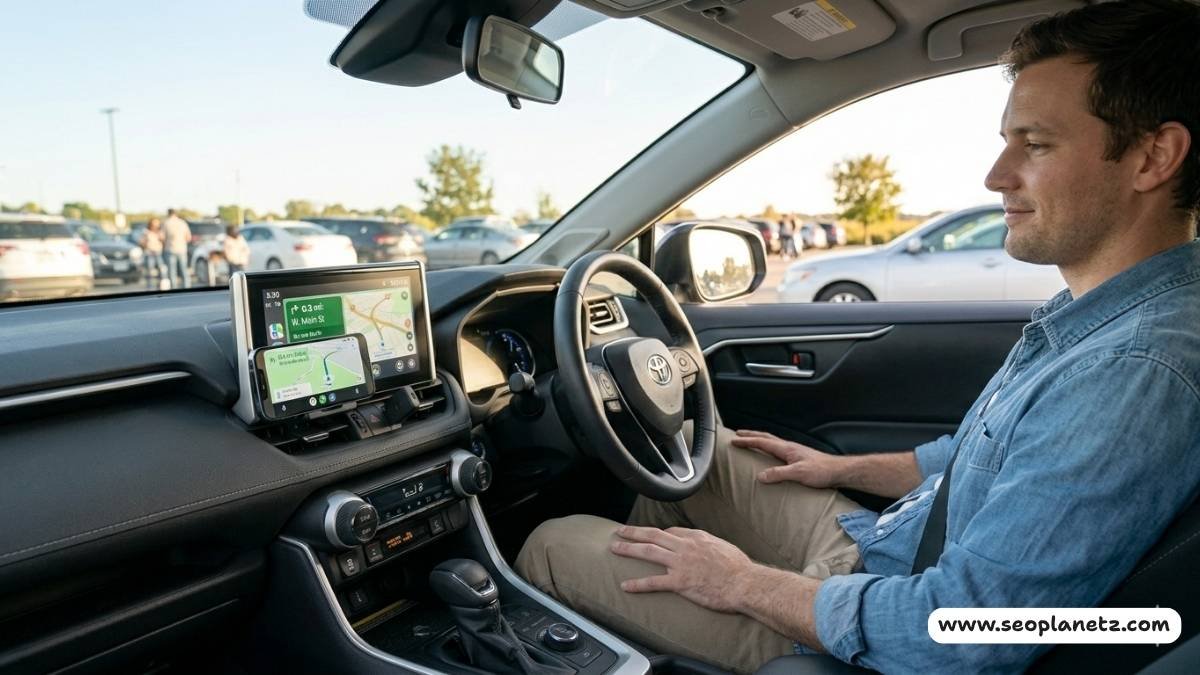
Complete Decision Table
| Your Situation | Best Method | Est. Cost | Time Needed |
|---|---|---|---|
| Car has wired CarPlay/Android Auto | Wireless adapter dongle | $35–65 | 5 minutes |
| Car has Bluetooth, no CarPlay | Standalone CarPlay screen | $180–250 | 20–30 mins |
| Car has AUX only, no Bluetooth | Standalone screen + BT adapter | $200–280 | 30–45 mins |
| No screen at all — DIY | New head unit | $150–400 | 2–4 hours |
| No screen at all — Professional | New head unit + installation | $250–500 | Same day |
| CarPlay-only car, want Android Auto | Carlinkit 4.0 adapter | ~$60 | 5 minutes |
The $40 Rule
If your car already supports wired CarPlay or Android Auto, there is almost no reason to spend more than $55 on this upgrade. A quality dongle from CarlinKit or Ottocast does everything you need. The extra $200+ options exist for people starting from scratch — not for Type 1 car owners.
Also Read: Car Fuel Pump Price and Maintenance in 2026Frequently Asked Questions
Q1: Will a wireless CarPlay adapter work with my car?
Only if your car already supports wired CarPlay or Android Auto. Plug your phone in with a USB cable first — if CarPlay or Android Auto launches on screen, you're compatible.
Q2: Does wireless CarPlay drain phone battery faster?
Yes, slightly. Wireless uses both Bluetooth and Wi-Fi simultaneously. On longer drives, keep your phone on a charger.
Q3: Can I get Android Auto on a CarPlay-only car?
Yes — the Carlinkit 4.0 (CPC200-CP2A) specifically solves this. It converts a wired CarPlay system into wireless Android Auto.
Q4: What's the cheapest way to add wireless CarPlay to a car with no screen?
The Carpuride W903 standalone screen (~$180) requires zero dashboard modification and works completely wirelessly.
Q5: Do I need home Wi-Fi or mobile data for wireless CarPlay?
No. The adapter creates its own direct wireless link between your phone and car. No home or cellular Wi-Fi needed.
Q6: Which adapter is best for households with both iPhone and Android users?
The AAWireless TWO+ (~$65) supports both wireless CarPlay and wireless Android Auto in one device — perfect for mixed households.
Q7: How long does wireless adapter setup take?
Under 5 minutes for first-time setup. After that, your phone connects automatically every time you start the car.
Also Read: Car Battery Draining Fast Reasons and Solutions in 2026Final Verdict
Going wireless is one of the best value upgrades you can make to an older car — and it's far simpler and cheaper than most people assume.
For Type 1 cars: A $35–65 adapter is genuinely all you need. Setup is faster than reading this article. The CarlinKit Mini Ultra 3 is the best overall pick in 2026, and the AAWireless TWO+ is the best choice for mixed iPhone/Android households.
For Type 2 cars: A standalone screen in the $180–250 range gives you a full CarPlay/Android Auto experience without touching your factory system.
For Type 3 cars: A new head unit from Pioneer, Sony, or Alpine delivers the most complete and cleanest result — and DIY installation is very achievable with the right tutorial.
My brother-in-law texts me occasionally now — usually something like "still no cables, still love it."
It's a small thing. But you notice it every single time you get in your car. And after a week, you can't imagine going back.
Final Score
| Category | Score |
|---|---|
| Method 1 — Ease & Value (Type 1) | ⭐⭐⭐⭐⭐ 5/5 |
| Method 2 — Standalone Screen (Type 2) | ⭐⭐⭐⭐ 4/5 |
| Method 3 — Head Unit (Type 3) | ⭐⭐⭐⭐ 4/5 |
| Overall Value for Money | ⭐⭐⭐⭐⭐ 5/5 |
| Real-World Performance | ⭐⭐⭐⭐ 4/5 |
| Overall | ⭐⭐⭐⭐½ — 9/10 |